Case Study 04
Emdy: an open source markdown reader
Building a markdown reader for the AI era
Try Emdy
The app is live. Grab it and open any .md file.
Building a markdown reader for the AI era
The app is live. Grab it and open any .md file.
In the past I've used markdown mostly for personal note writing, never really needing to re-read much or share what I wrote with others. As I started using AI tools, I realized much of my workflow was now centered around reading and verifying Markdown files. I'd open them in VS Code or iA Writer because that's what was available, but those tools were full of writing features I didn't need. Most of my Markdown became reading and verifying, not writing or editing, and I imagined that others might be facing a similar change in their workflows.
macOS has no native way to render Markdown. Quick Look shows the raw source. The existing options are code editors, writing tools, or browser-based viewers with privacy tradeoffs.
Markdown tools assumed you're the writer. AI changed that. Most .md files I touch arrive from someone else, and I just want to read them. The tools still assume I want to edit.
As more people start receiving AI-generated Markdown, the need for writing diminishes while the need for reading and verifying increases.
I started with desk research. I collected 25 sources across Apple Community forums, OpenAI support threads, Hacker News, Reddit, and developer blogs, then mapped each one by date, severity, and what it revealed about the problem.
"Pages cannot open Markdown, nor even consume plain text, and magically transform it into styled content." Workaround: pandoc on the command line.
HighA user wants "an easy way to view, print and edit MD markup files exported by ChatGPT" because the raw file doesn't match what they saw on screen.
High"ChatGPT consistently delivers responses in Markdown, which is problematic because I use the generated text in a word processor for legal purposes." Prompt engineering didn't help.
HighA developer shipped a Markdown viewer because "macOS would open Xcode when cmd-clicking into newly created markdown files, which was slow and lacked native rendered viewing."
HighJohn Gruber on iOS 26's Markdown import/export in Notes: "Markdown export from Notes? That sounds awesome." Apple's first-party validation that Markdown has gone mainstream.
Market signalThe same friction kept coming up. AI tools output Markdown by default, and the people receiving those files often don't have a good way to read them. I tracked a severity gradient across segments.
Someone who gets a .md file once in a while. They figure it out, maybe paste it into a browser preview, and move on. Not a blocker — but not a good experience either.
Designers, PMs, and writers pulling down AI-generated Markdown weekly. They need the content in an email, a deck, a Doc. Every workflow has a manual reformat step that adds up fast.
Obsidian users sharing notes with colleagues who don't use Obsidian. The format barrier is the core problem. The recipients can't read the file without installing a tool they don't want.
Then a short survey. Every active Markdown user listed AI tools as a source of .md files. 80% said copying formatted text into email, Docs, or Slack was their most-wanted feature. The most common workaround was asking the sender to convert to PDF. Nobody asked for editing.
The survey skewed technical, so the findings are directional. I'd need a broader sample for stronger conclusions. But the signal was clear enough. Copy-as-rich-text was the headline request. Editing wasn't.
I audited 13 direct competitors and 8 indirect ones (workarounds like VS Code, GitHub rendering, pandoc, and browser-based viewers), then mapped them on two axes: reading vs. writing, simple vs. powerful.
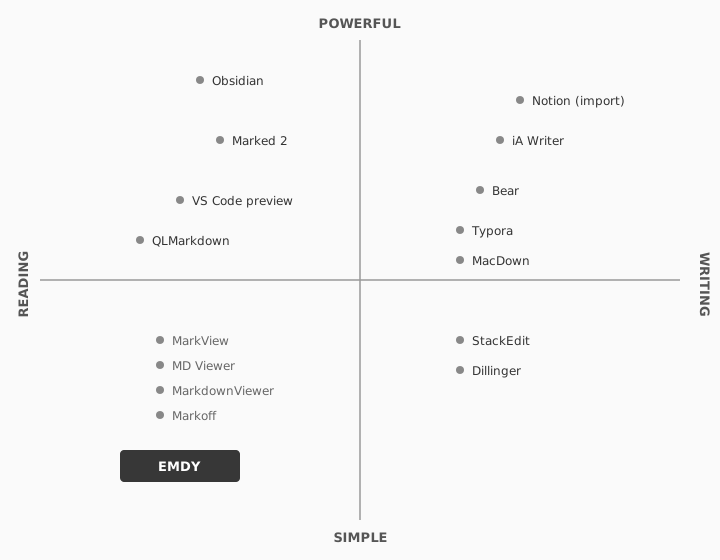
The established apps (Typora at $15, iA Writer at $50, Obsidian with a subscription) all target writers. They handle Markdown rendering well, but they come with an editor's UI that's unnecessary if you only want to read a file Claude generated for you.
Marked 2 was the closest established competitor, but it's designed as a live-preview companion for writers editing in another app. MarkView was the most conceptually similar: a free, cross-platform viewer, largely unmaintained.
Discoverability was the other gap. Most people don't search for a "Markdown reader" when they get a .md file. They ask the sender to convert to PDF, or they paste the content into a browser tool. The product challenge and the distribution challenge were the same size.
The obvious product here is "Markdown editor, but better." That quadrant is crowded and I'd lose on day one.
I defined Emdy by what it wouldn't be. No editing. No recursive directories. Every feature added for writers would dilute the reader experience.
Holding this line became the single design principle I returned to whenever "but what if we also…" pressure showed up later.
Once the scope was defined by what Emdy wouldn't be, I wrote down the rules that would hold that line. They came out of the design brief and survived every feature debate after.
.md file and read it.
I mapped four journeys. The primary one: a non-technical person receives a .md file from a developer or an AI-generated export, and wants to read it without installing another editor. They don't search for a reader. They discover Emdy through the person who sent them the file.
.md file.Claude returns a plan, a doc, or a summary as a .md file.
Open the file. TextEdit shows raw # and ** syntax.
Developer recommendation or search leads them to Emdy.
Double-click. The document renders as a document.
That single insight shaped the distribution strategy around developer word-of-mouth. If developers know Emdy exists, they can recommend it. Non-technical users come in the side door.
The highest-friction journey was first-install. macOS Gatekeeper can block unsigned apps on first launch, which is why code signing and notarization were non-negotiable despite the cost. Setting Emdy as the default .md handler is still a manual step through Finder, which means there's real drop-off risk between "installed" and "integrated."
I mapped the full service across three layers: what the user sees, what the app does behind the scenes, and what macOS provides. Charting them together surfaced every moment where the experience could break and made the recovery behavior explicit.
.md fileThe most useful output was a failure mode inventory. Every way the app could break was documented (unreadable files, malformed Markdown, failed remote images, files deleted while open) with recovery behavior designed for each.
The principle: render what you can, show what went wrong without blocking the user, and never lose what's already on screen.
Visual direction had to carry across three surfaces: the app, the icon, and the marketing site.
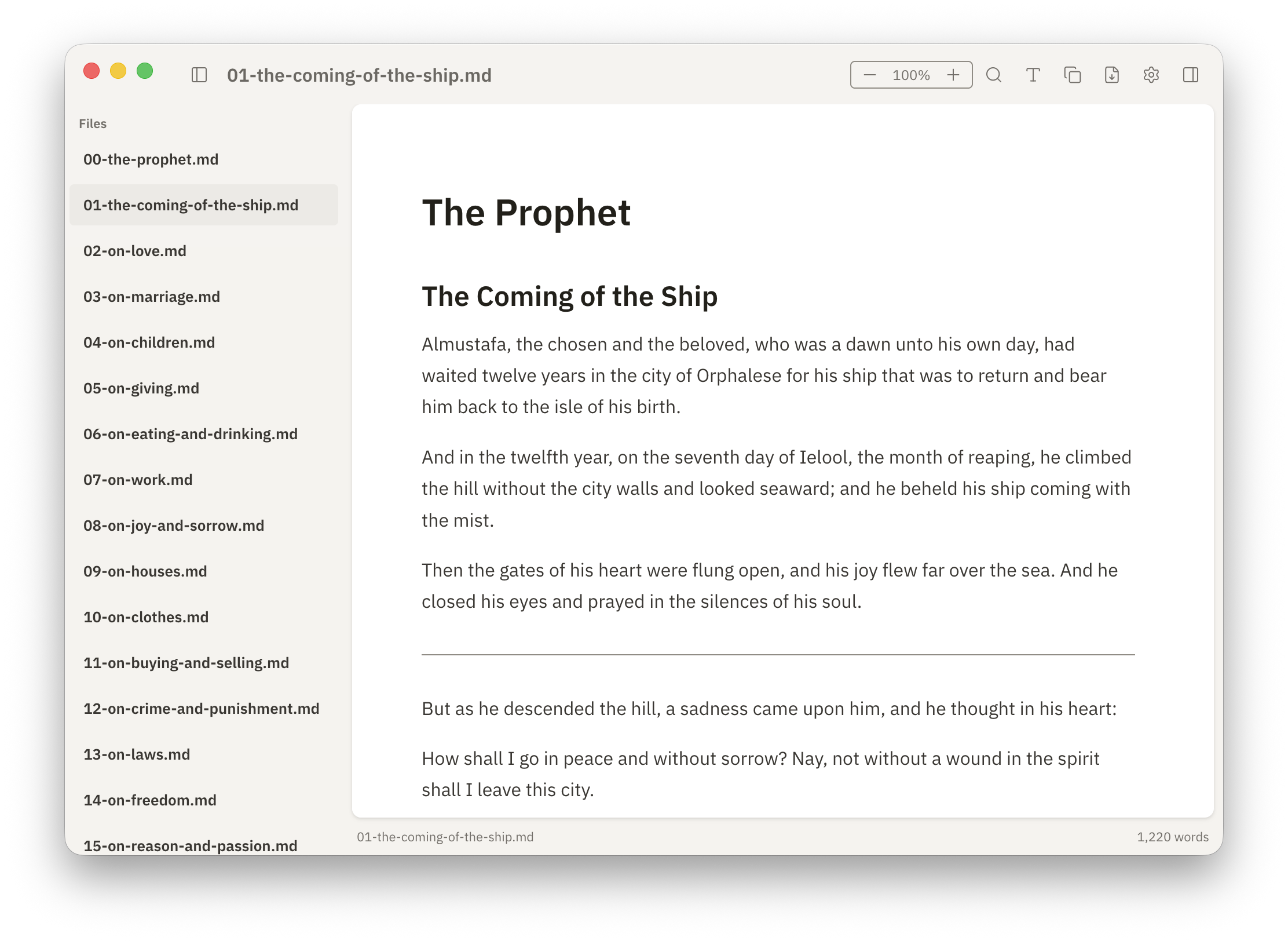
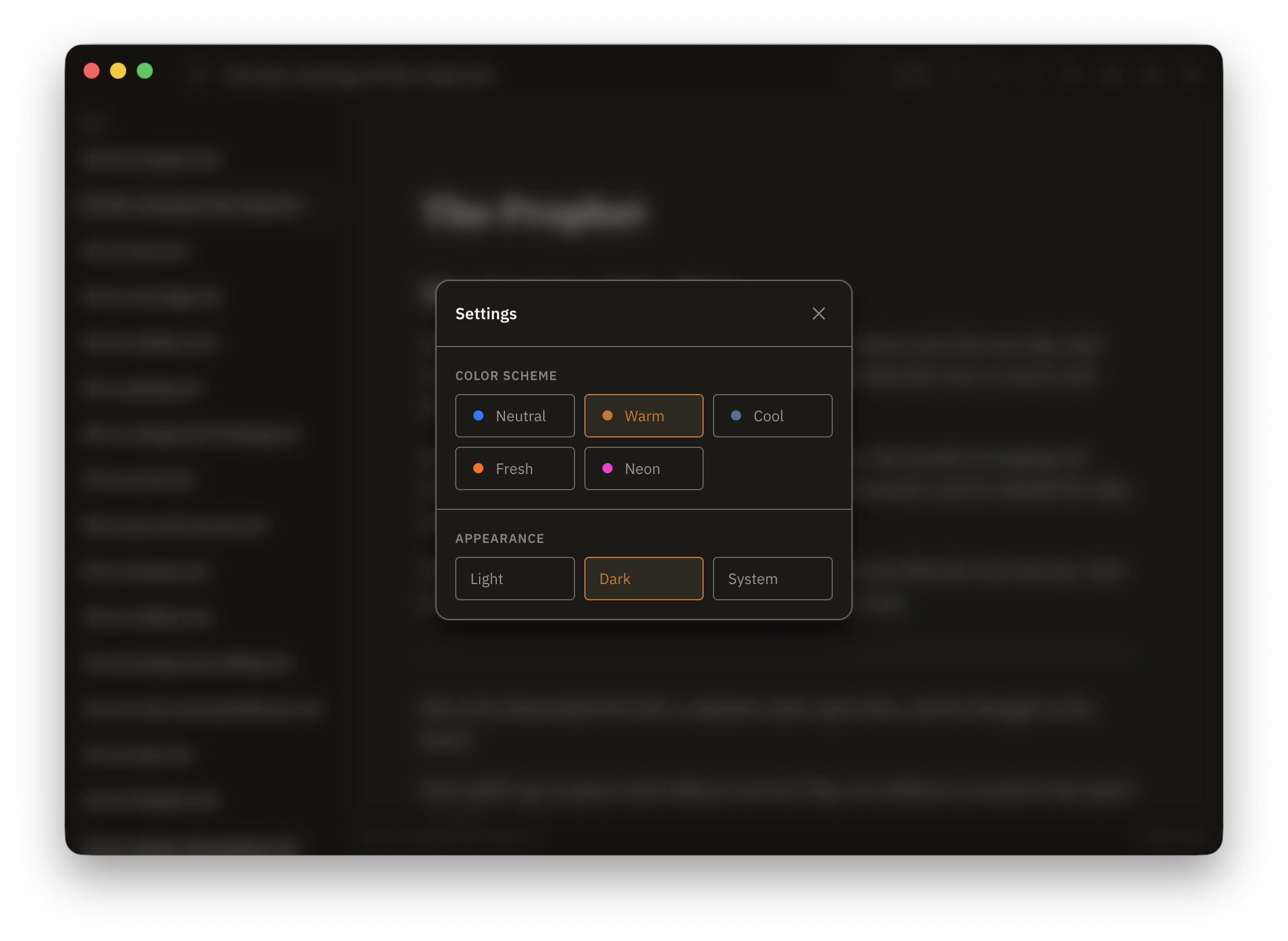
The app draws from Braun and Dieter Rams: utilitarian, quiet, tactile. The accent palette spans Warm, Cool, Neutral, Fresh, and Neon, with light and dark modes across all of them.
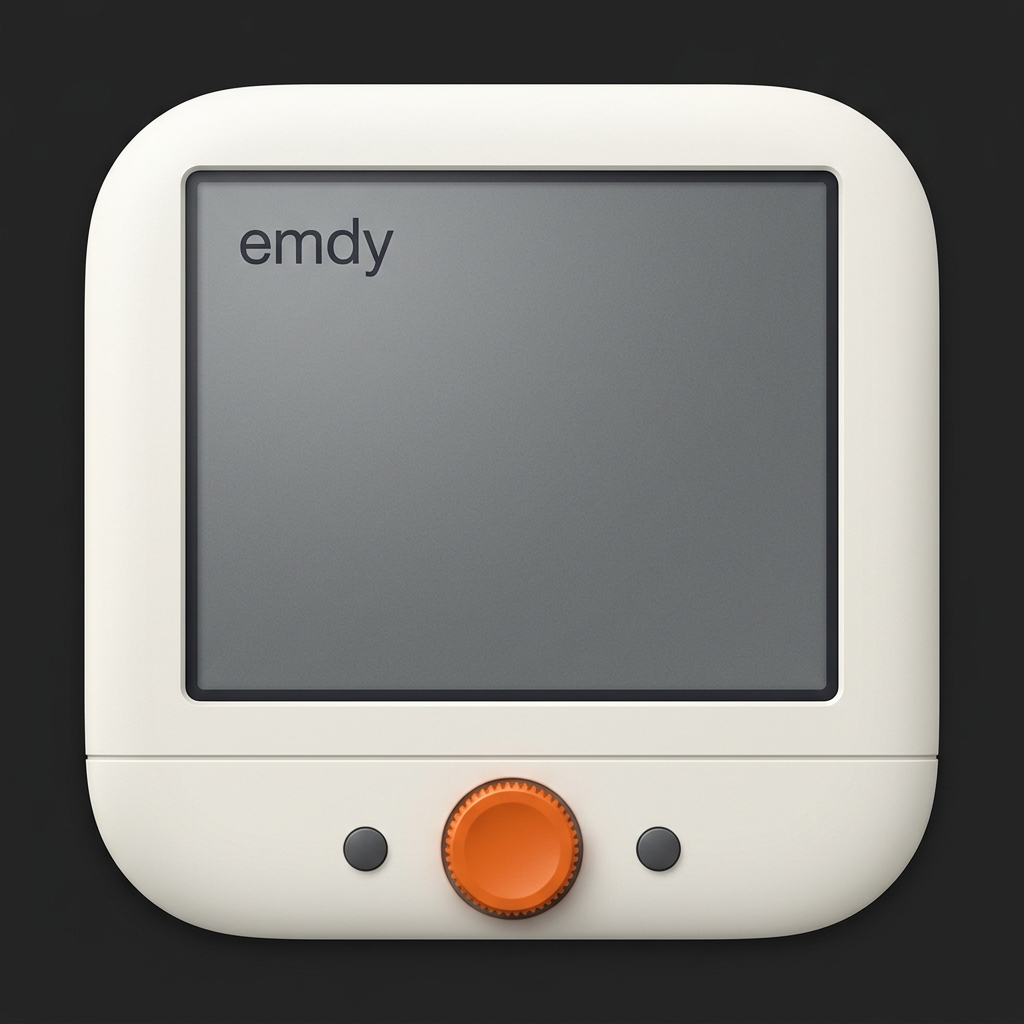
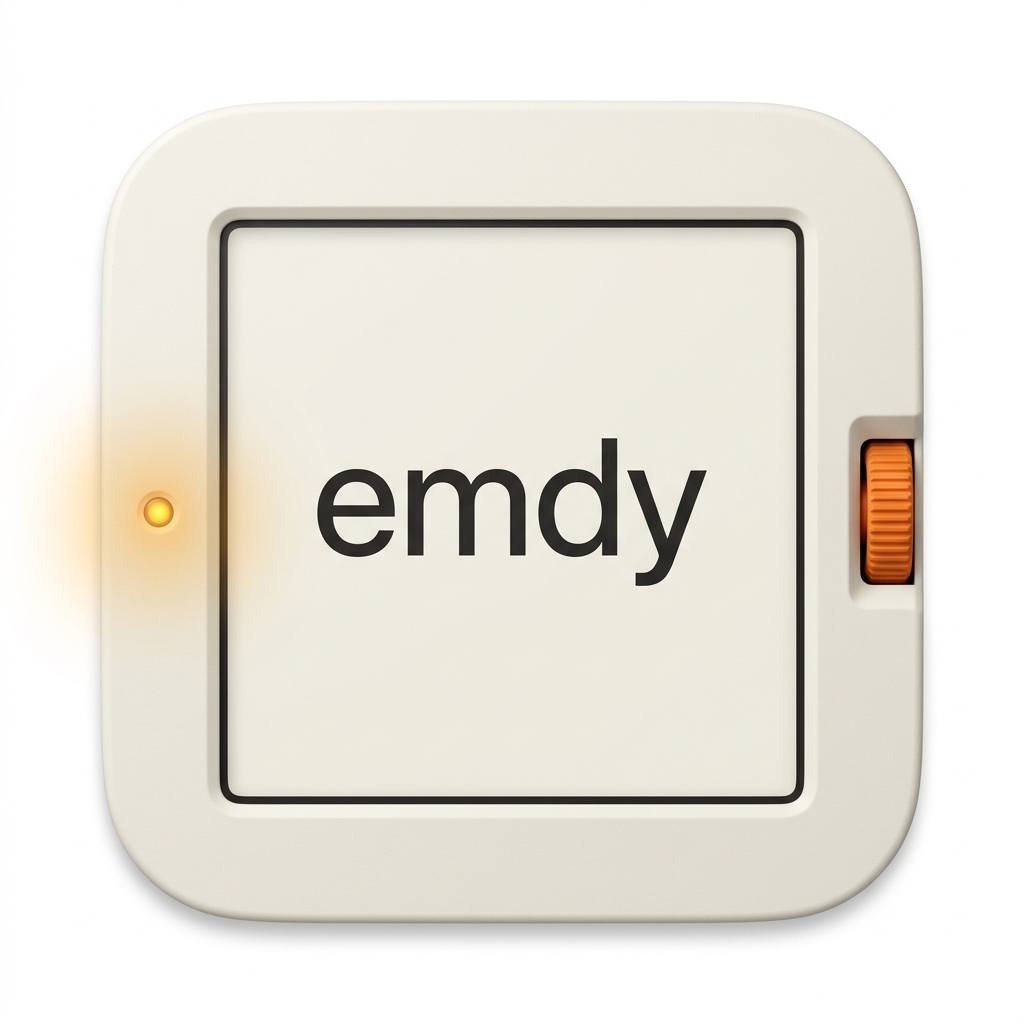
The icon went through several rounds. It started with direct Braun product references: a turntable, a clay letterform, a book stand. It moved through reader-device and retro-monitor concepts. Through roughly ten iterations, the mark got simpler and more confident.





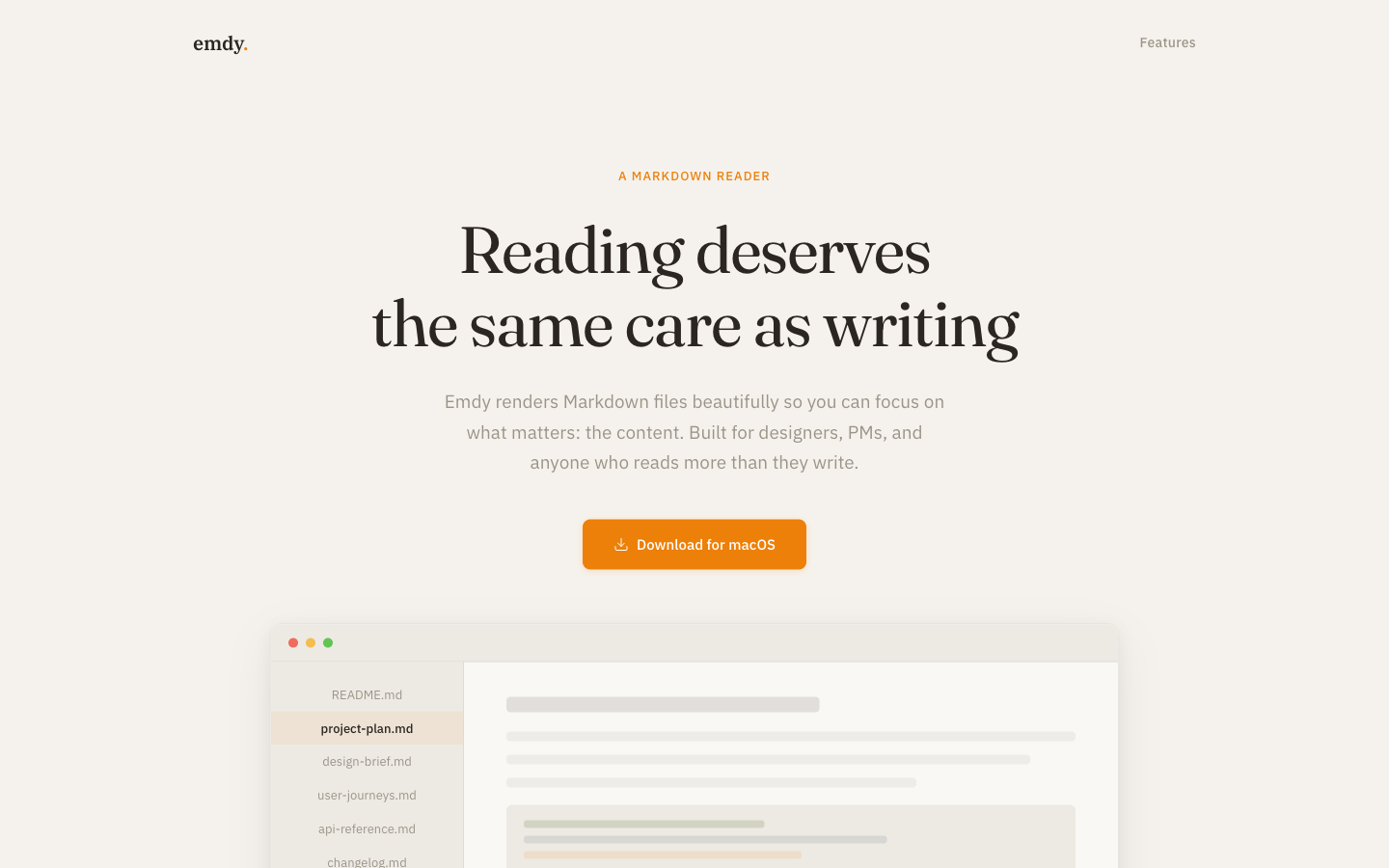
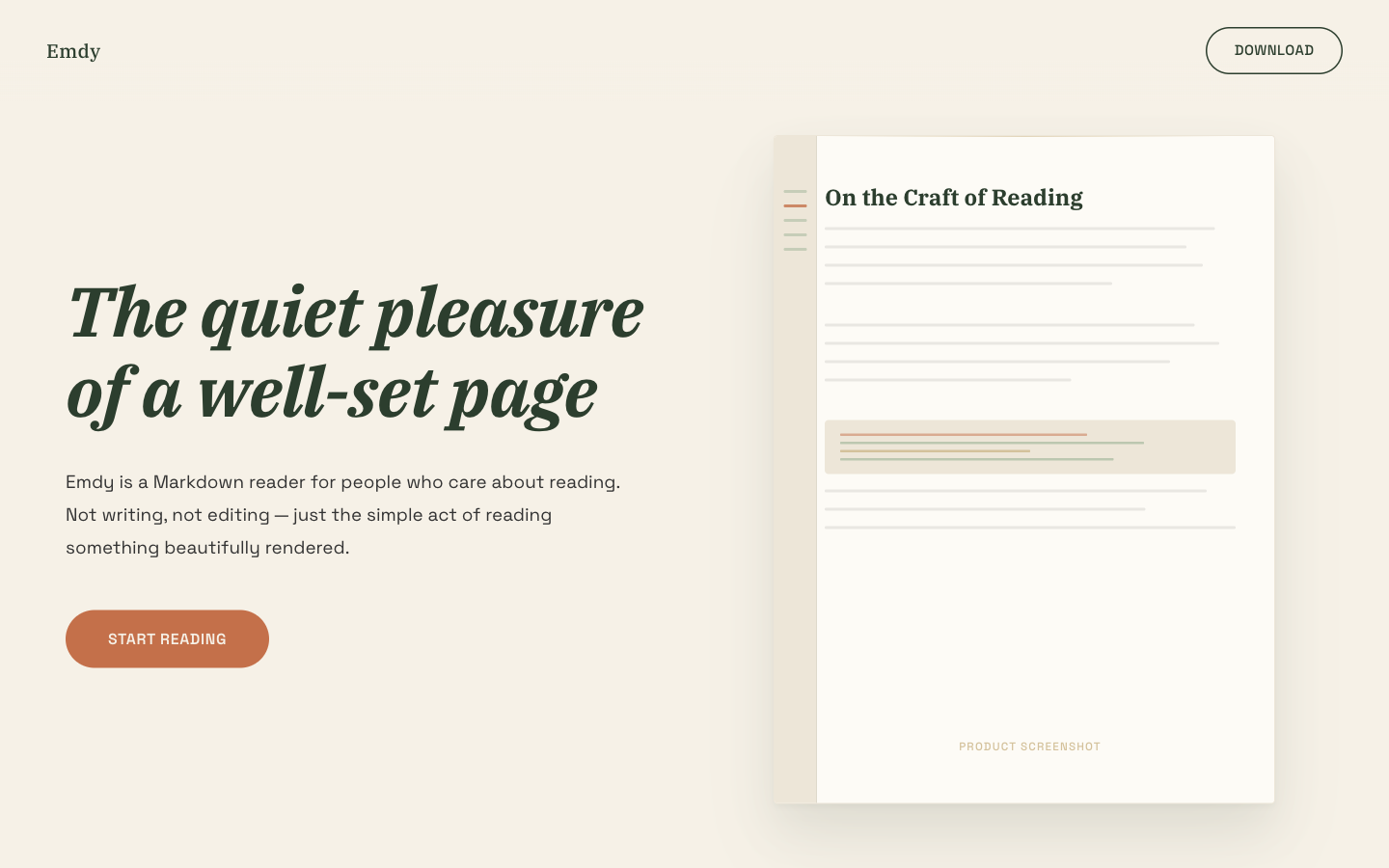
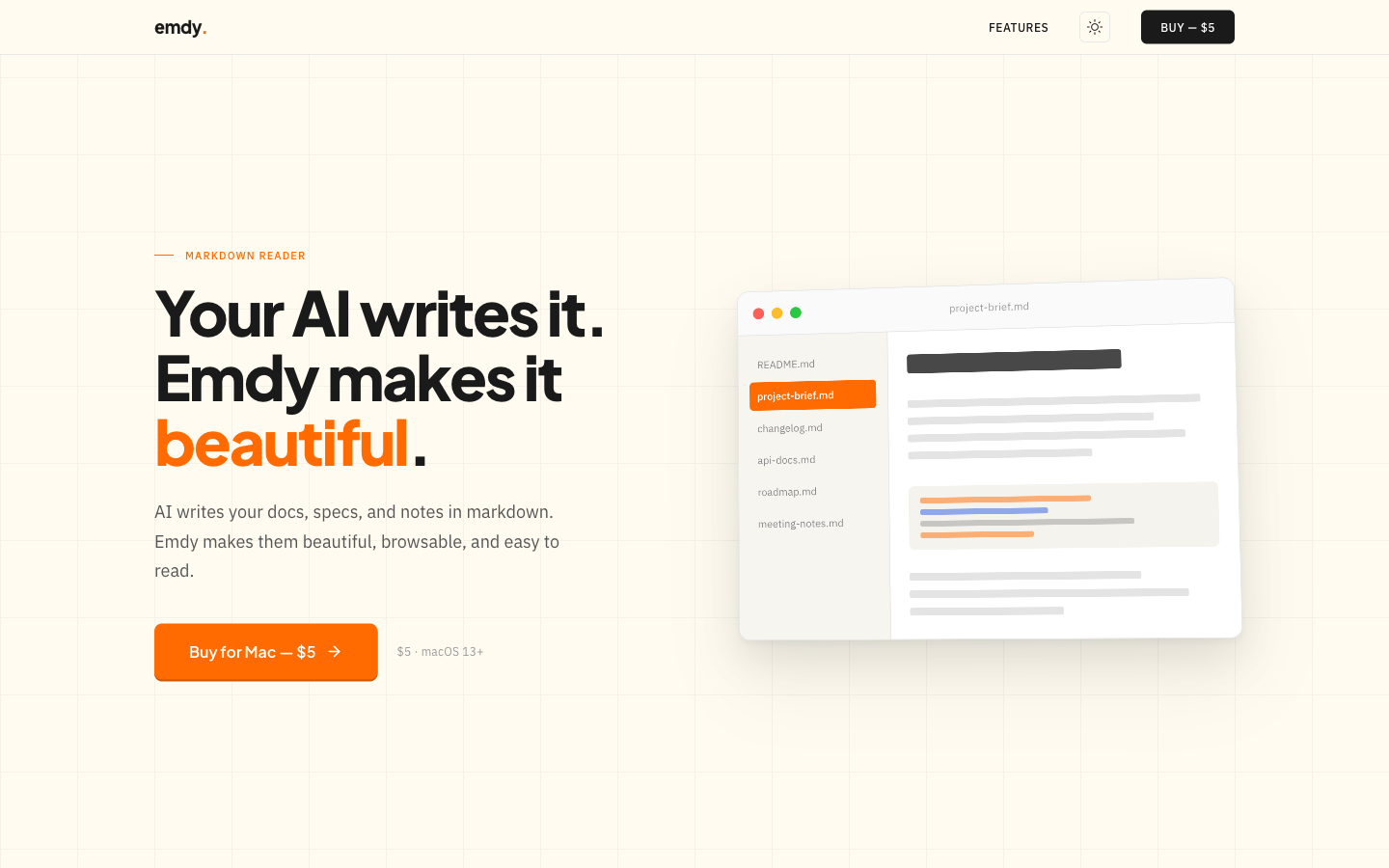
I explored nine marketing-site directions before settling. Most tried to explain too much. The one that worked showed a before-and-after comparison of raw Markdown and rendered output, communicating the value in a single scroll.
Three of the early explorations:
A six-layer specification targeting WCAG 2.1 AA conformance:
nav and main regions.aria-current.:focus-visible rings, suppressed on mouse interaction.prefers-reduced-motion and verifying WCAG AA contrast across every color token.The test was whether the app could be used well without a mouse, read aloud in sequence by a screen reader, and stay polite under prefers-reduced-motion.
Emdy is released under GPLv3. No paywall, no gating, no trial. The app is free to download and use indefinitely.
Emdy is a utility. Asking someone to create an account or enter payment details before they can read a document felt like the wrong tradeoff. Revenue depends on volume and goodwill.
Distribution is outside the App Store. Developer word-of-mouth is the channel. Non-technical users don't search for a reader. They ask the person who sent them the file. If developers know about Emdy, they can recommend it.
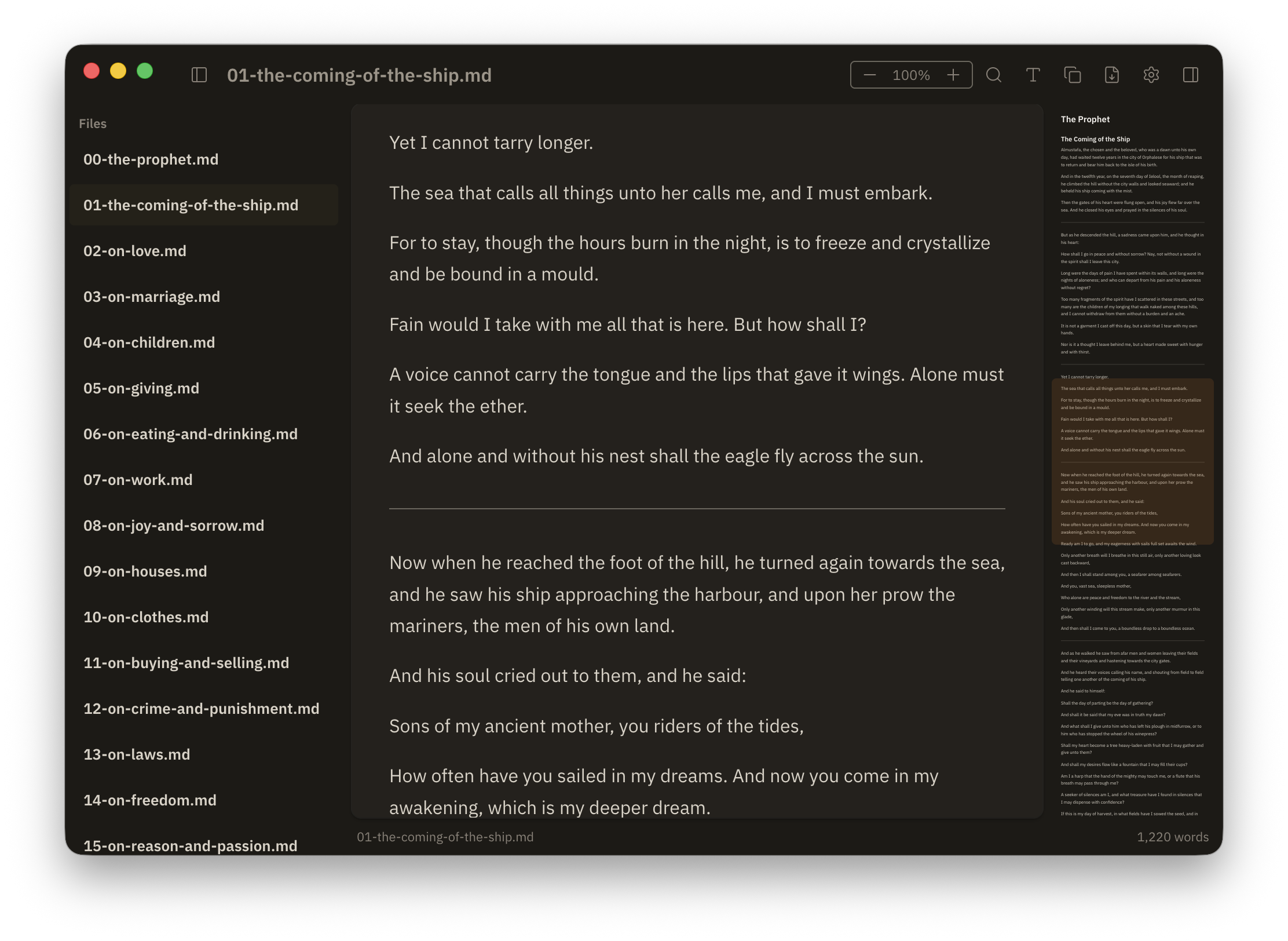
Emdy is a free, open-source macOS app. You double-click a .md file and it opens. You can read it. You can copy it out as rich text. You can pay what you want, or nothing.
A lot of the design work was deciding what not to ship. No editing. No recursive directory trees. No account, no tracking, no App Store listing. Every one of those features was reasonable on its own. Each would have moved the product toward the editor category, where it had no advantage. The hardest part of this project was holding the line.
Scope is the hardest design decision. Every feature request is reasonable in isolation. Recursive directories. Markdown editing. HTML export. Each moves the product away from its original intent. The hardest work was deciding what to leave out.
The framework didn't decide the quality. The Swift-to-Electron pivot felt like a big deal at the time. Looking back, Emdy's quality came from the design system and the detail work. Either stack could have shipped this app.
Research saved time. The desk research and short survey took a few days. They steered me away from building an editor (nobody wanted one) and confirmed that copy-as-rich-text was worth prioritizing.
I underestimated engineers as an audience. After release, a lot of the usage came from developers. I hadn't prioritized them in the research because I assumed they'd open .md files in their IDE. It turned out they preferred a dedicated reader, which fits in hindsight. They get more Markdown than anyone.