
Discovery felt stagnant, and users had little creative outlet outside of creating games and avatar items
The business problem: reduce idle user time when not playing a game, and improve content discovery.
Success meant improving overall time spent on Roblox and diversifying content discovery, without cannibalizing playtime.
Moments had to work on mobile, tablet, the native desktop app and handheld gaming devices
I was the design lead, with product designers, a design program manager and exec leads on the design team. We worked with product, engineering, data science and product marketing, in the Social and Discovery organizations.
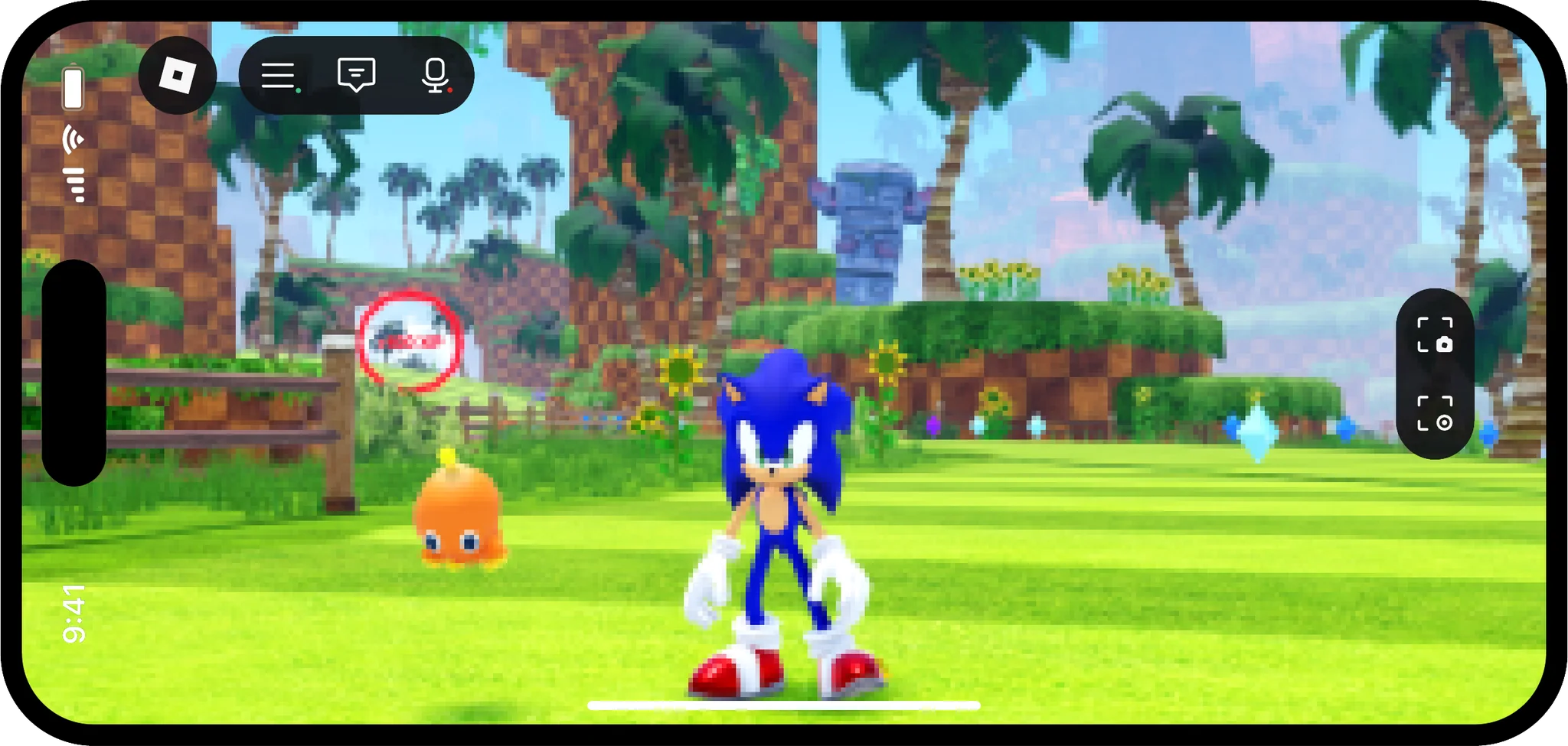
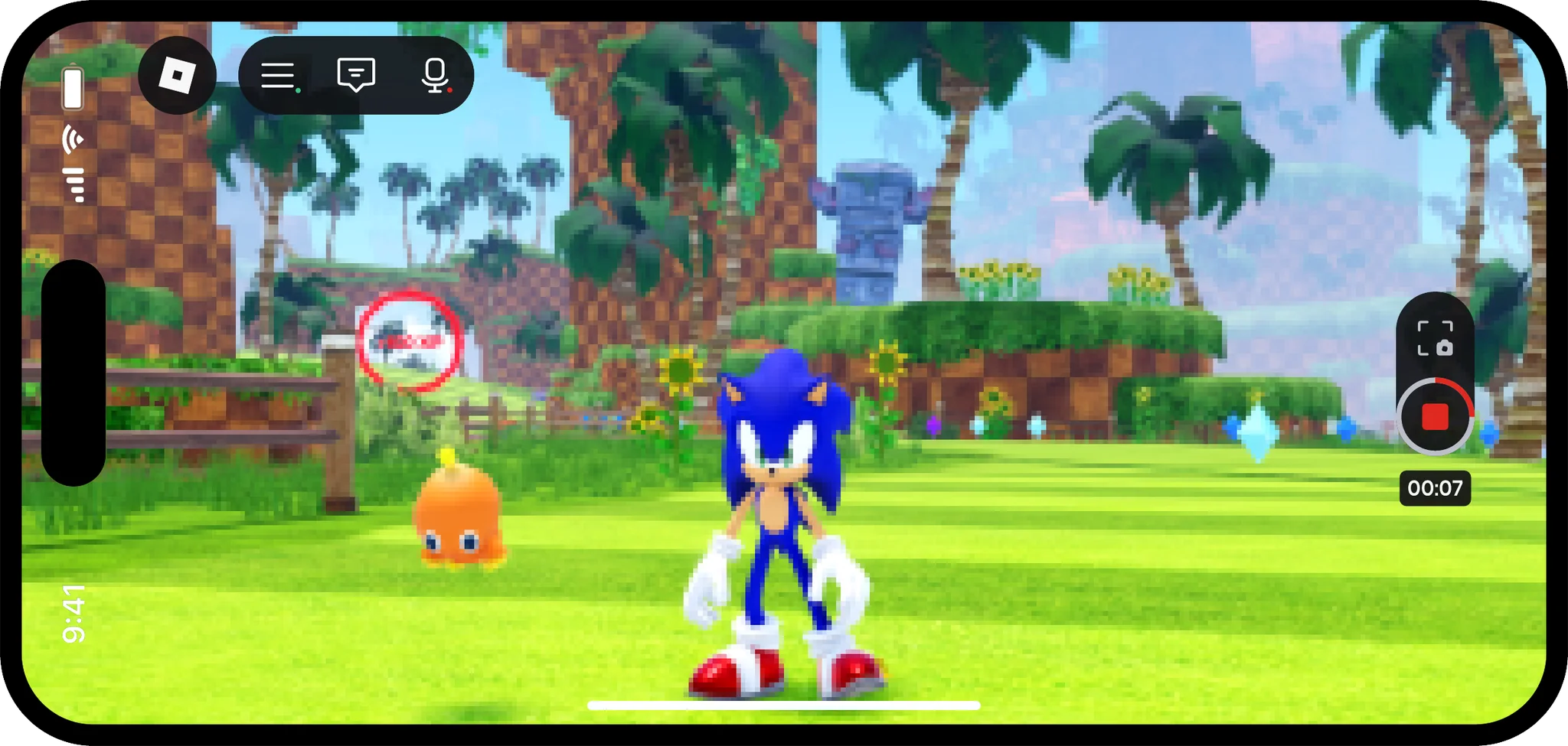
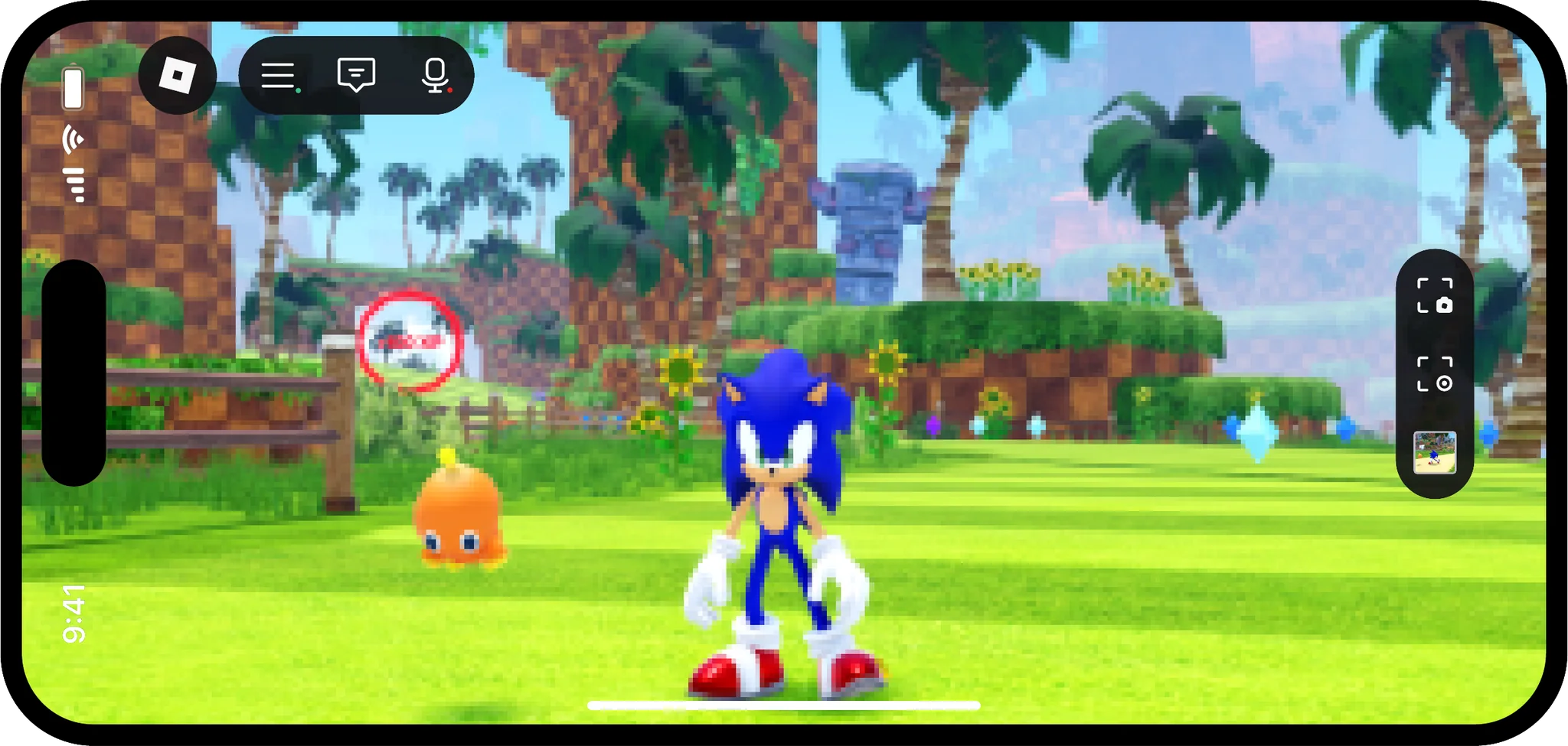
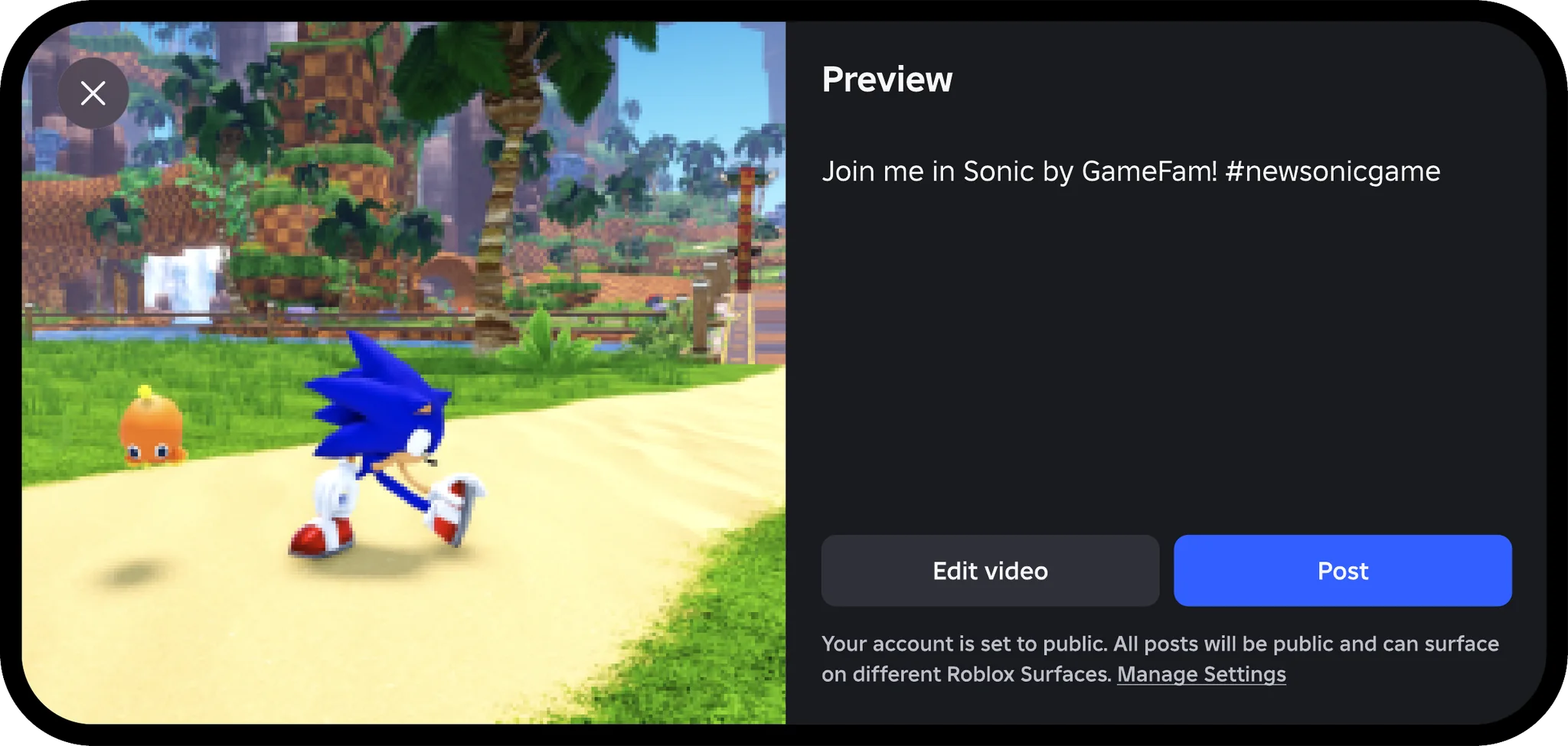
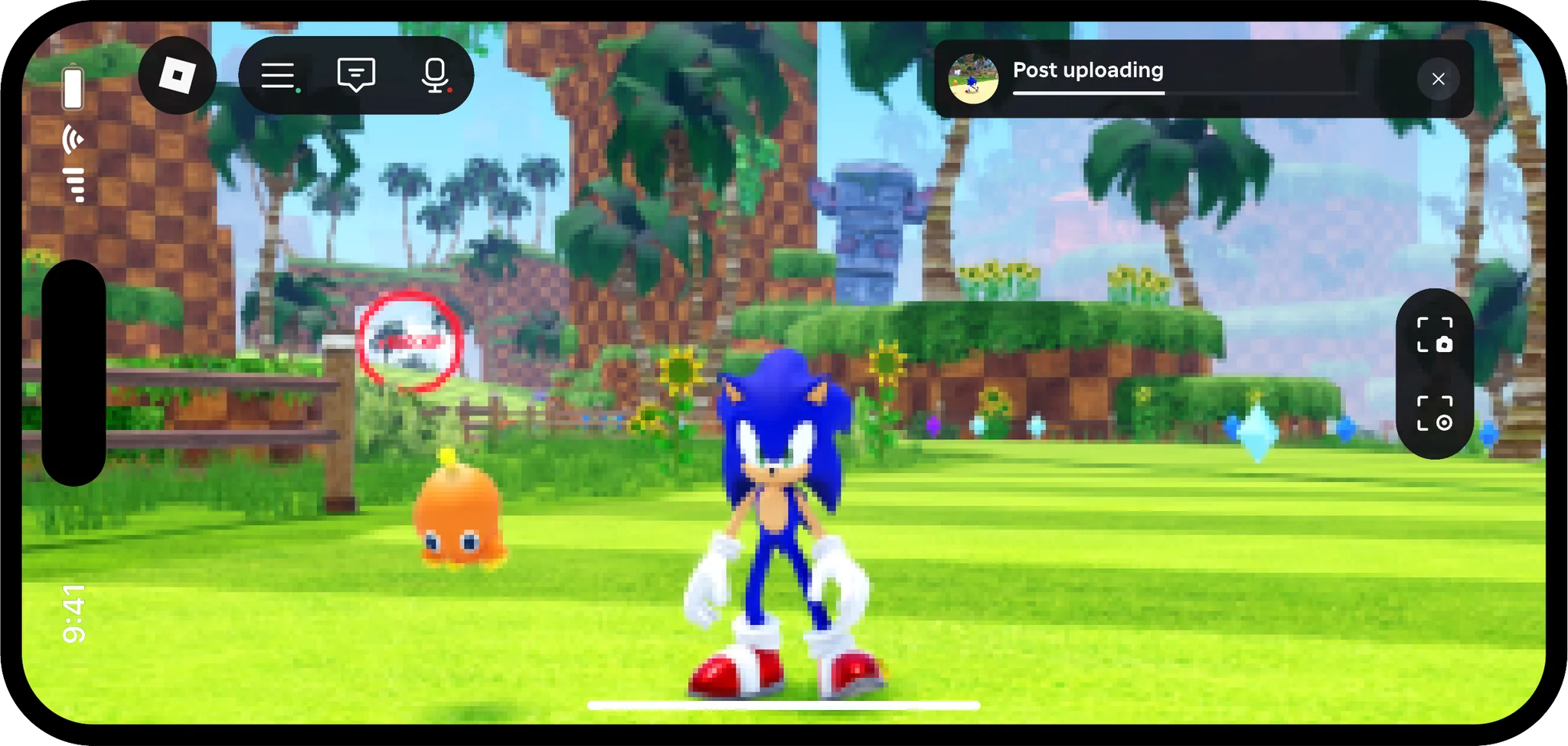
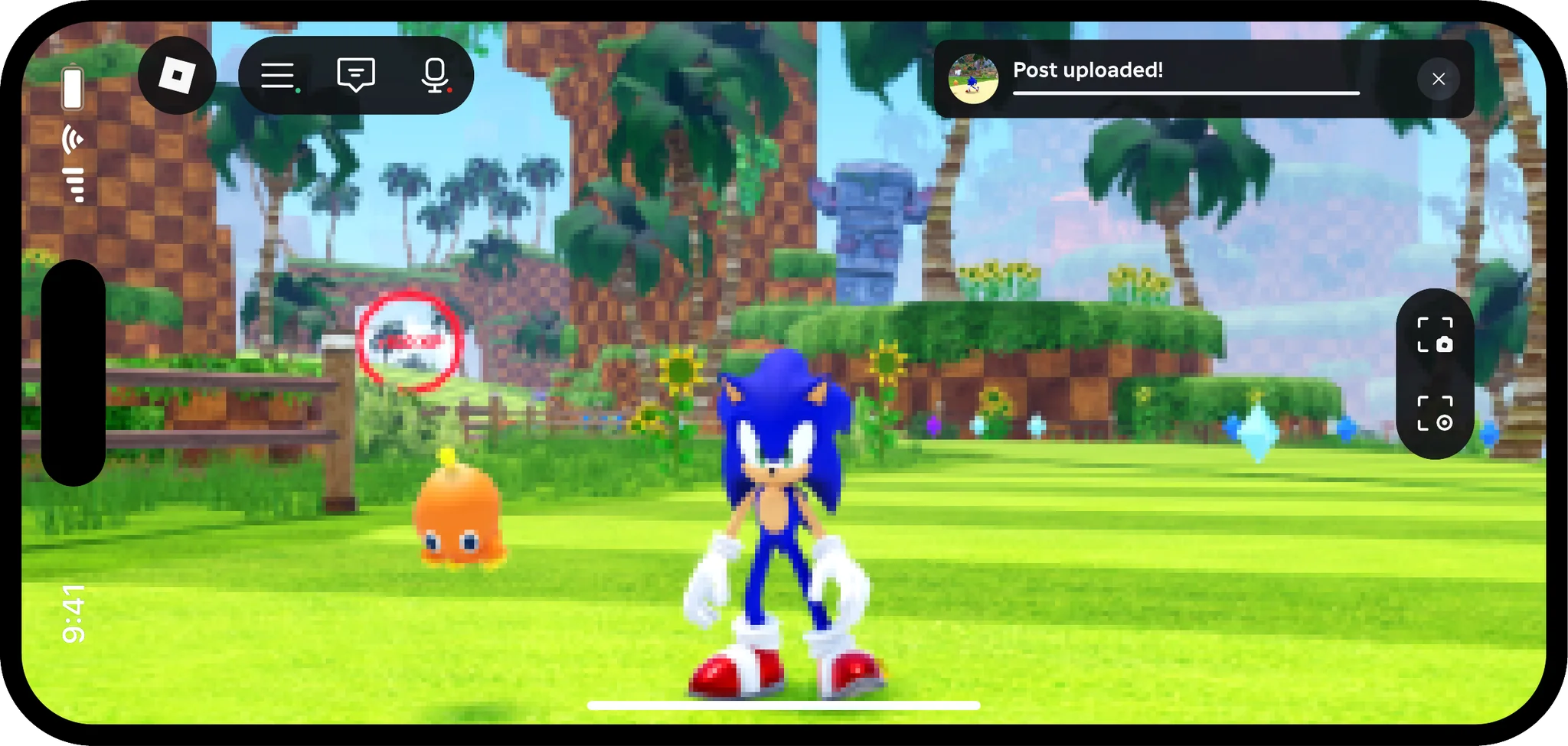
Capturing and posting a video
The solution was a medium for creative expression that drives content discovery. Screen capture is a critical step in creating a Moment.
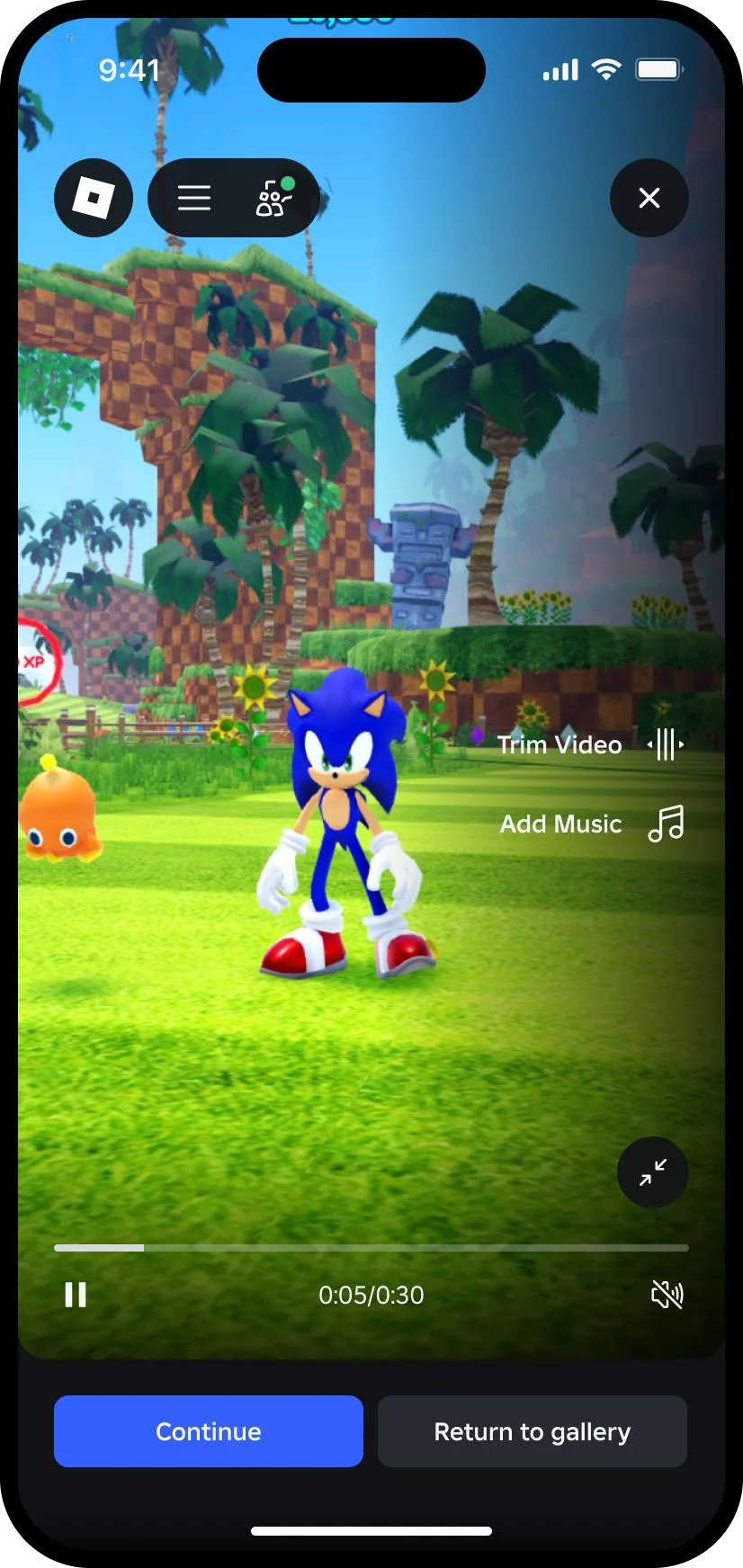
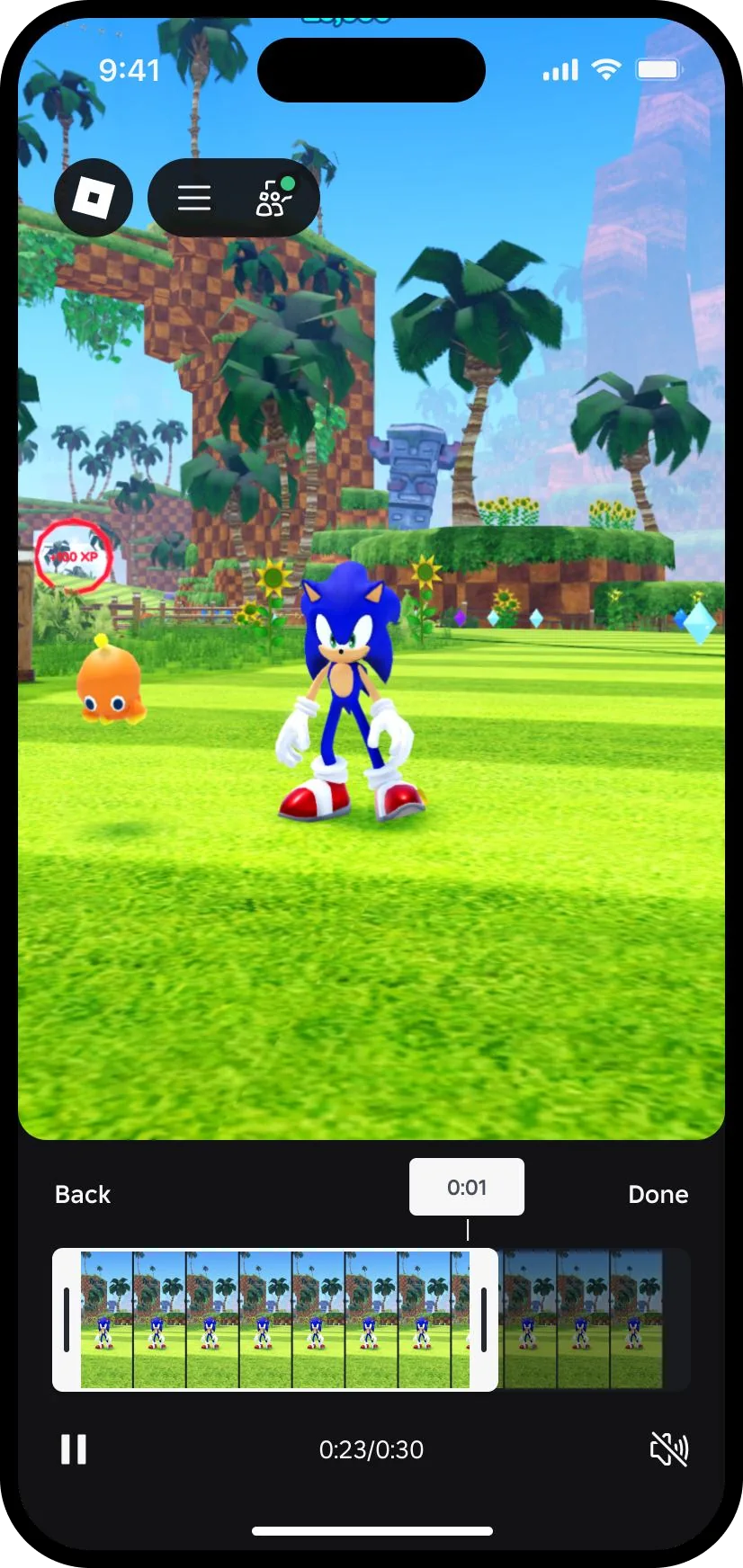
Trimming a video and adding music
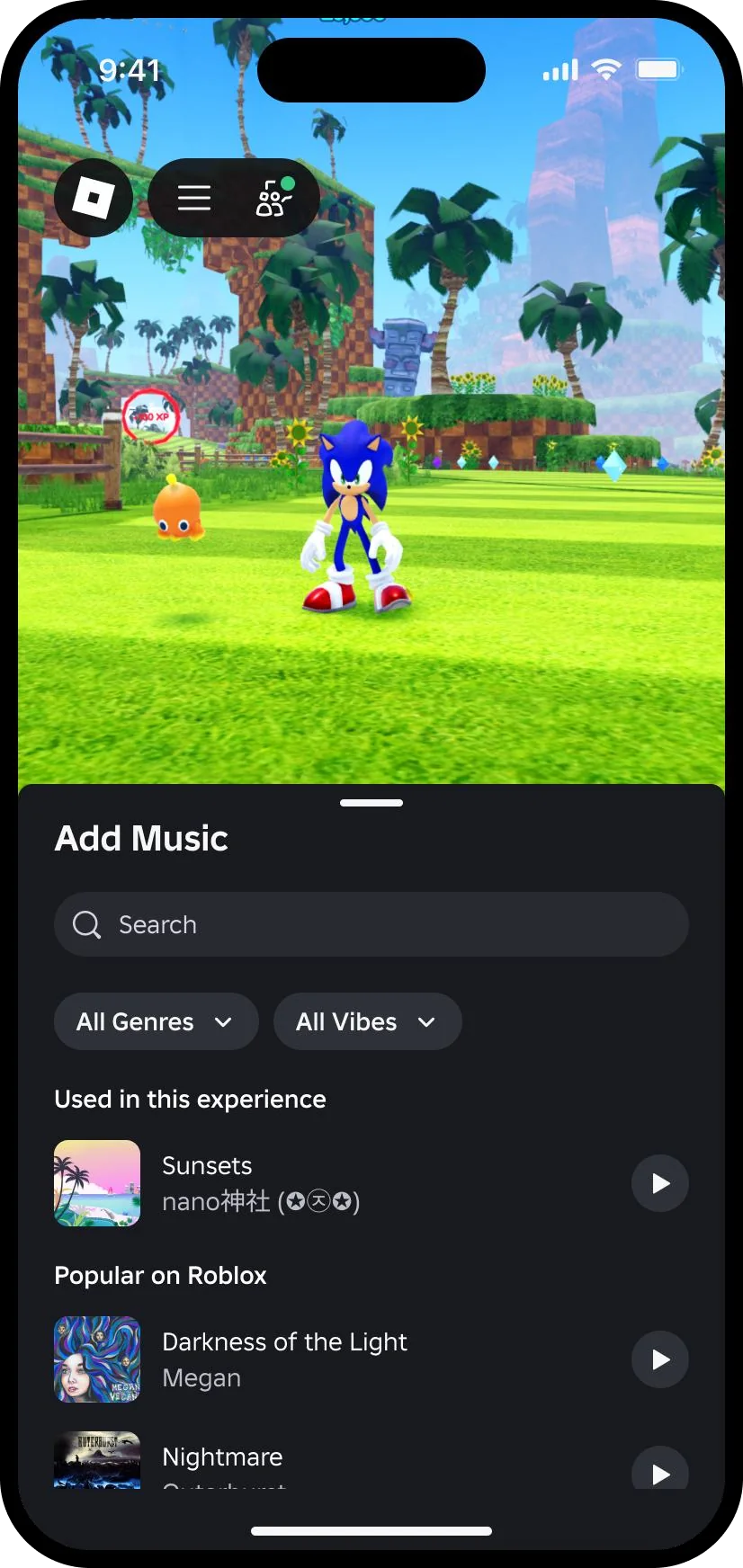
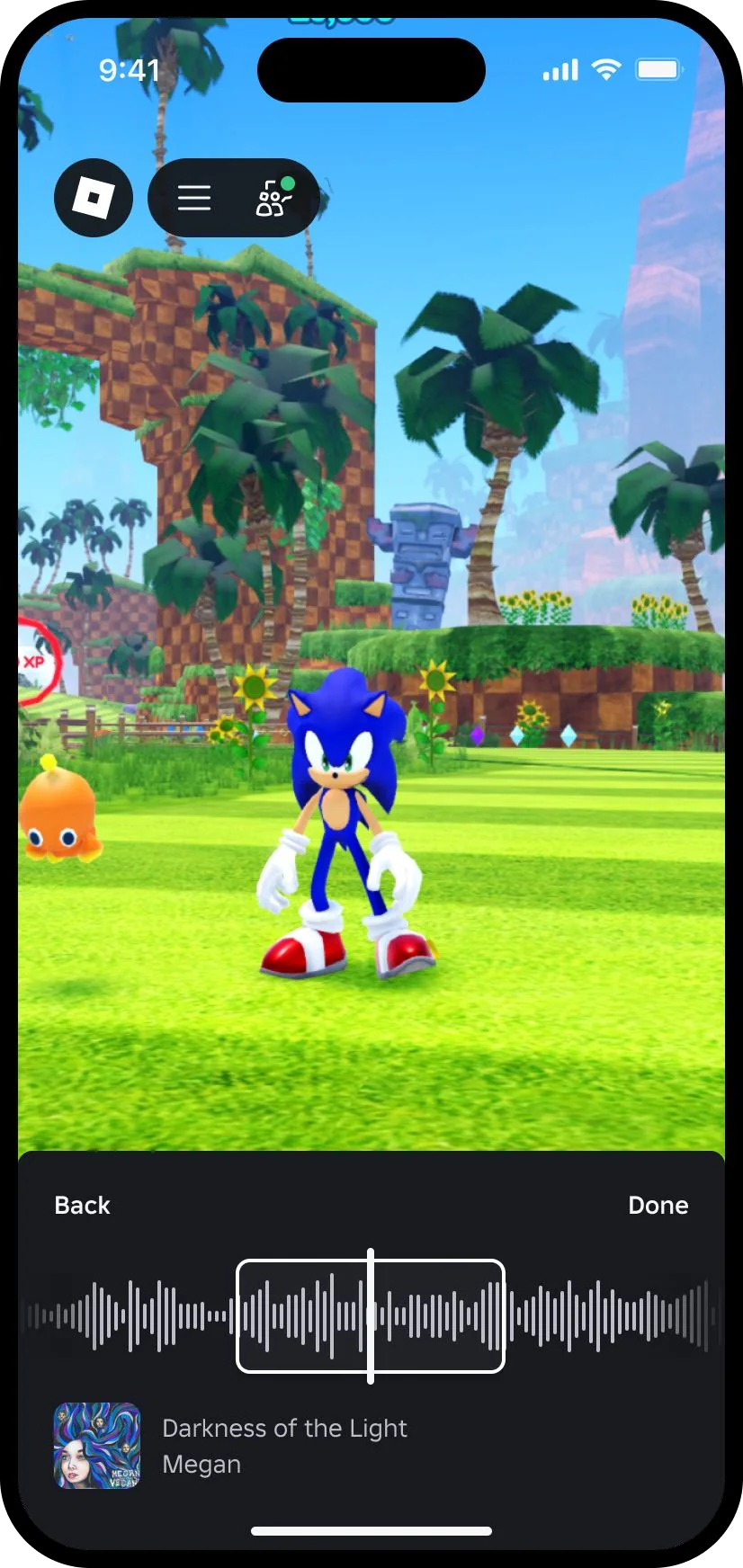
Aspect-ratio agnostic video
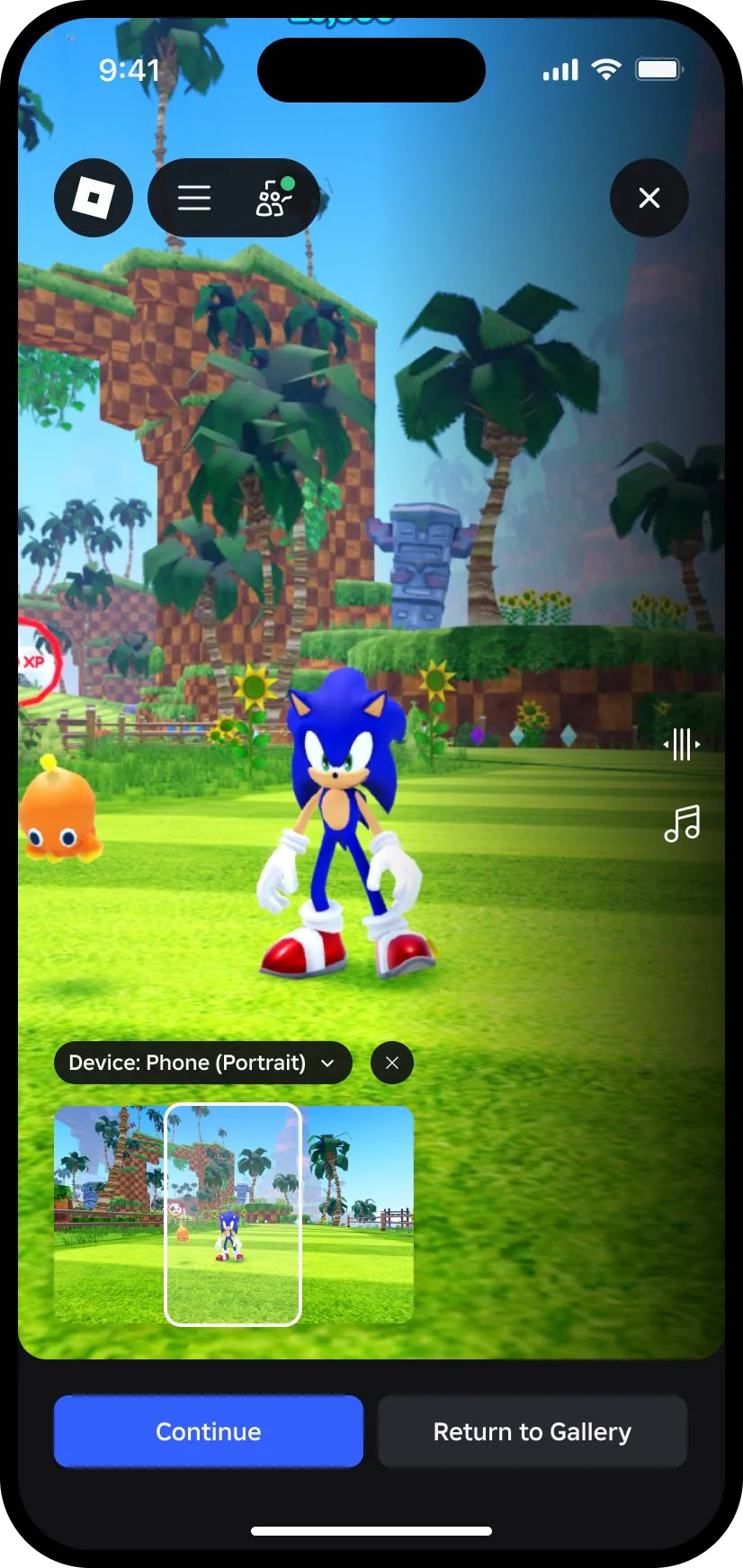
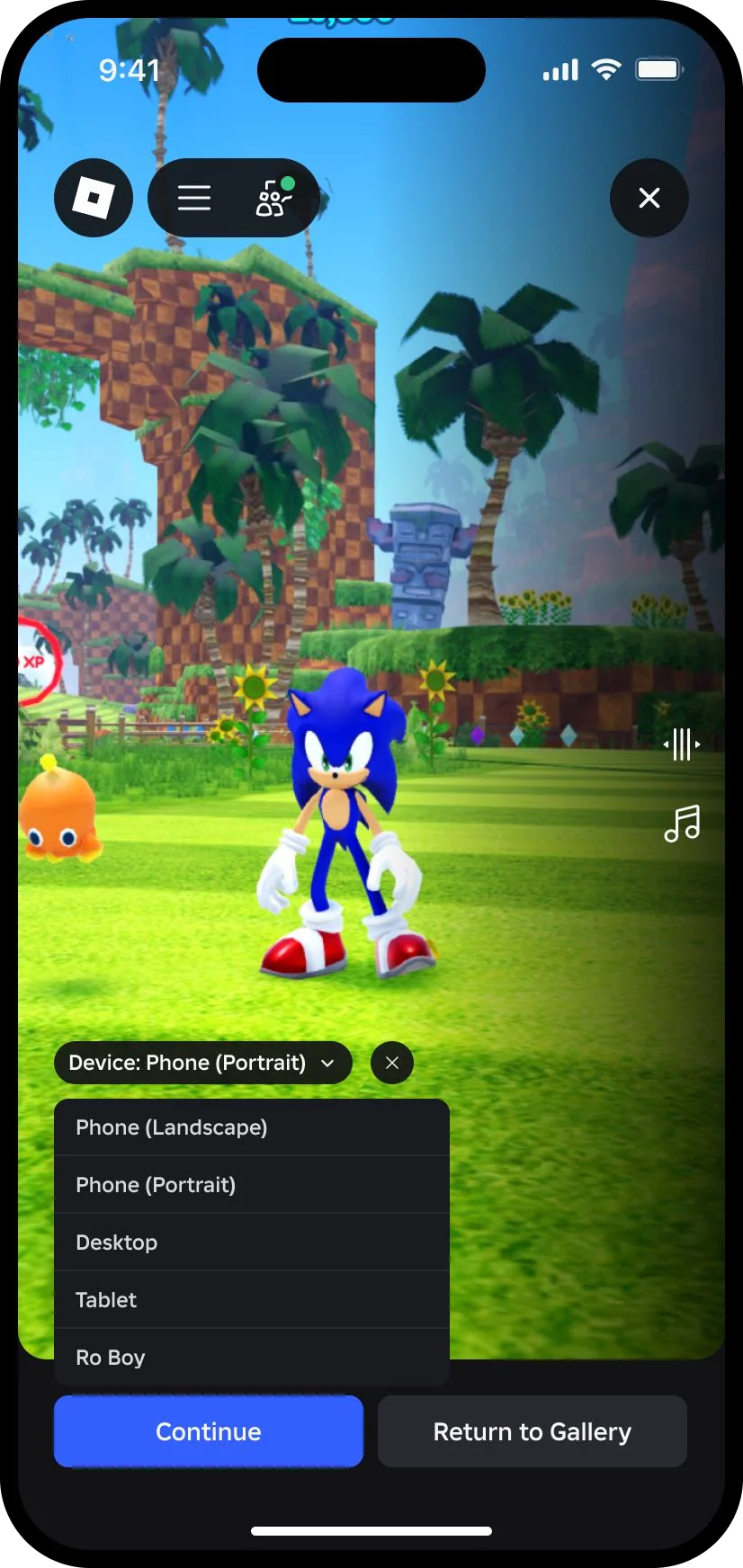
Users can capture video on Roblox on any device and in any orientation or screen/window size, so I had to define presentation and behavior that scaled across devices regardless of the capture’s aspect ratio.
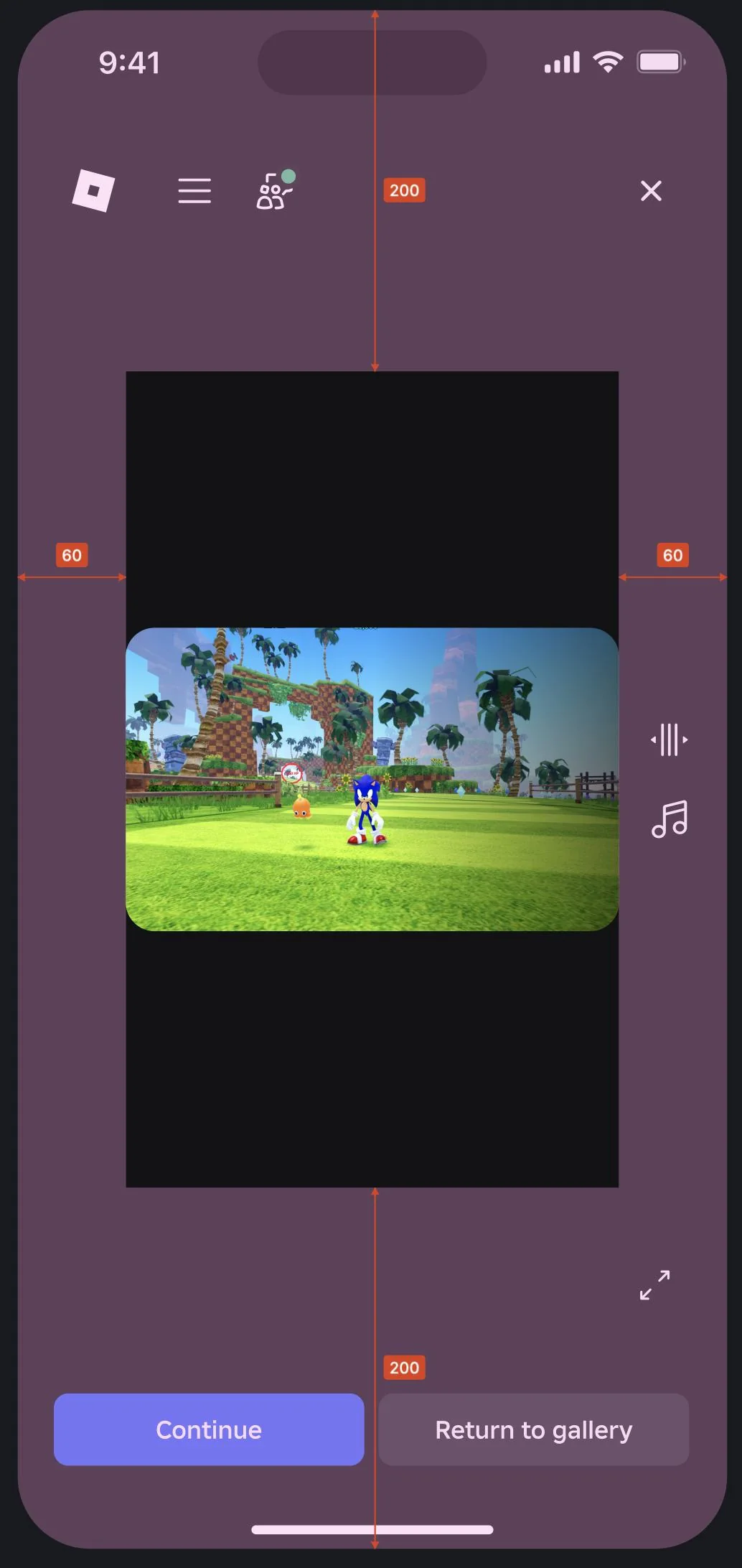
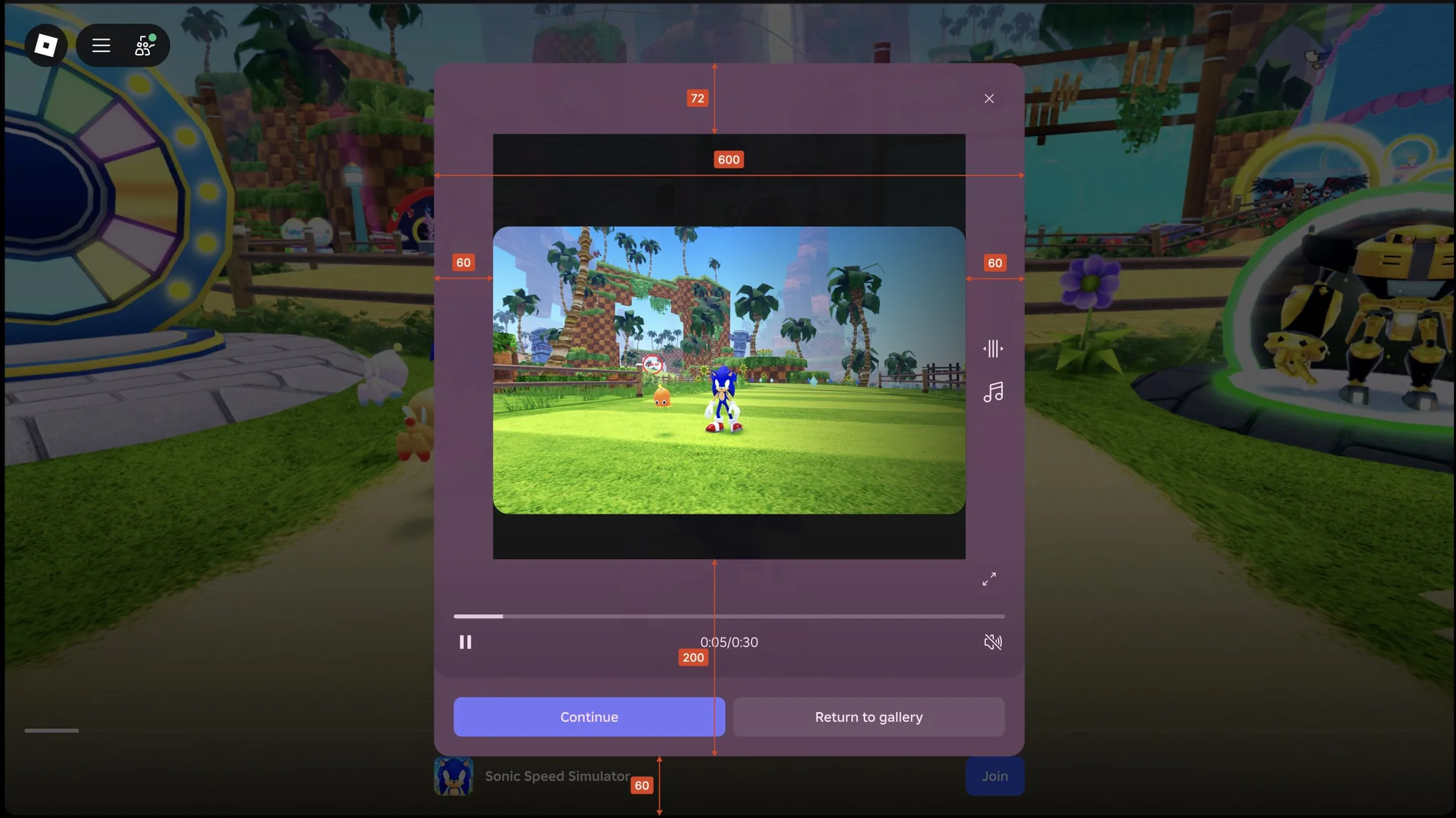
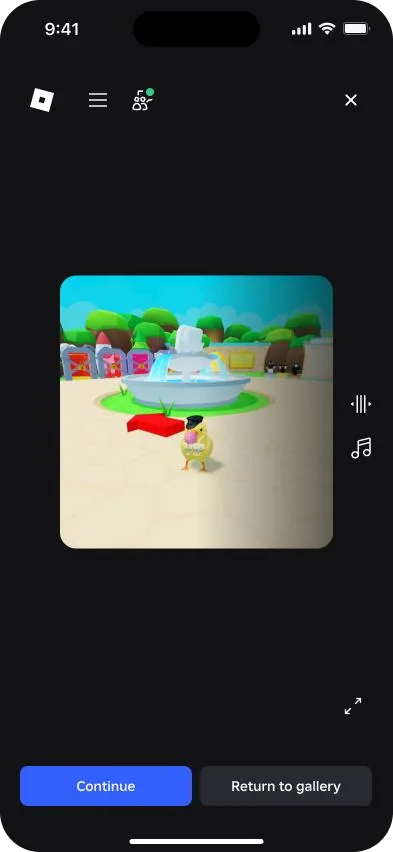
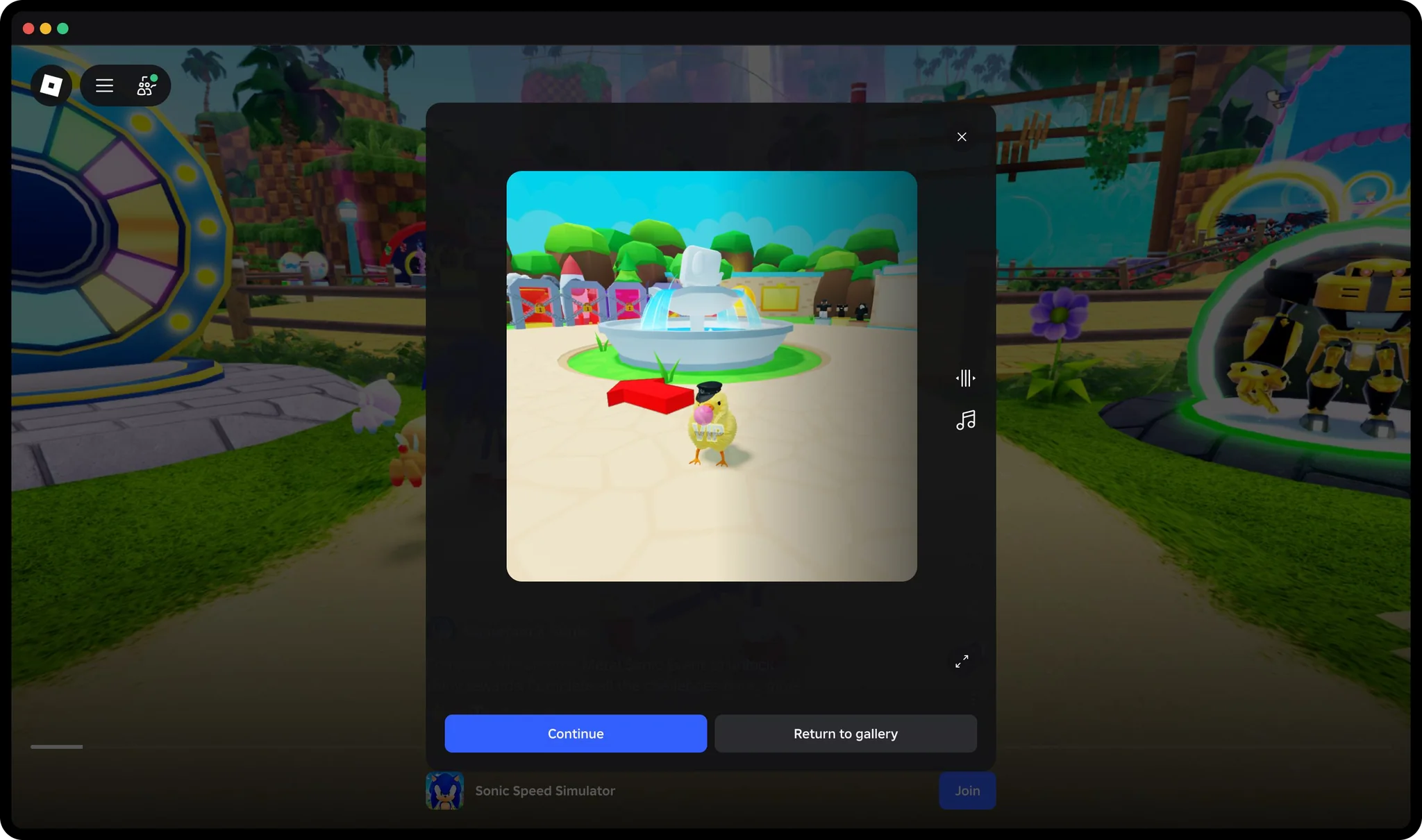
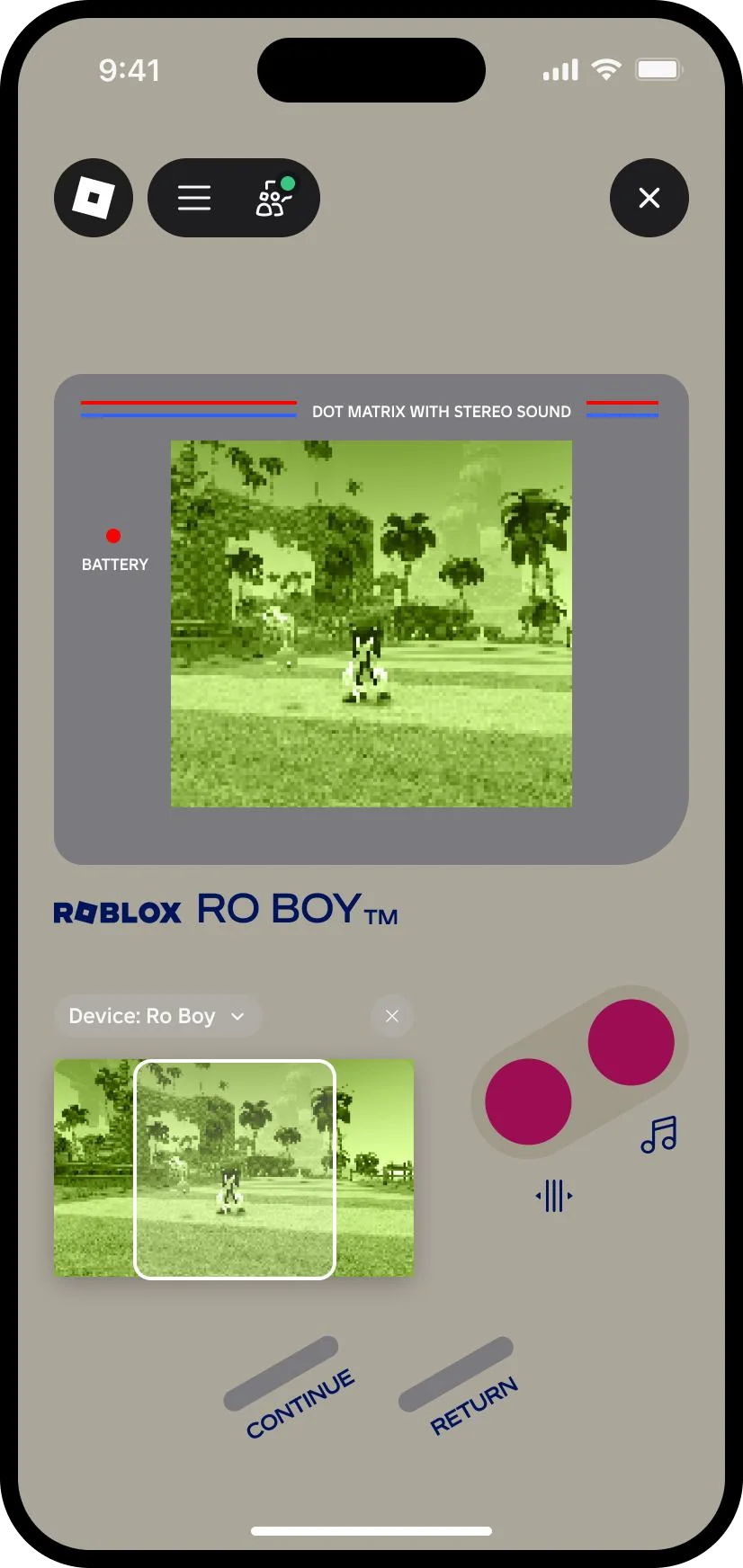
Framing a Moment for a device
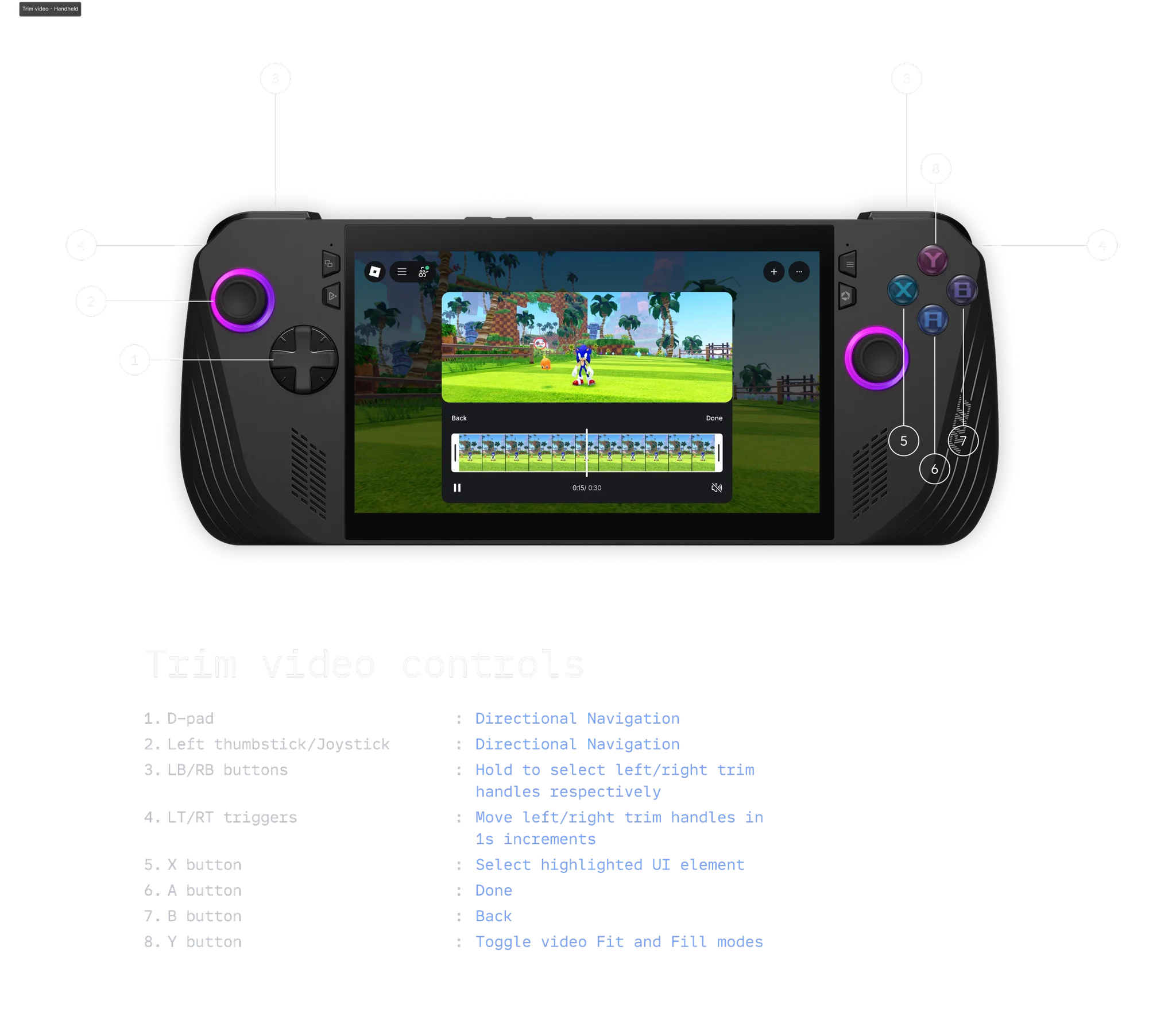
Trim video controls
On handheld gaming devices, the shoulder buttons pick a trim handle, and the triggers move it in one-second steps.
IMPACT
- 31%
- Conversion rate
Moments users discovered new experiences at a 31% conversion rate.